Find it. Pick it. Trust it.
Track inventory by location and bin. Give the warehouse the context to receive, put away, pick, and move the right products.
INVENTORY & WAREHOUSE SOFTWARE FOR QUICKBOOKS
Track inventory, scan barcodes, verify orders, and connect fulfillment to your accounting.
Works with QuickBooks Desktop and Online. Give your team a shared view of stock and a clear path from receiving to shipping—while keeping the accounting system you know.
For distributors, wholesalers, and ecommerce teams ready to outgrow manual warehouse work.
01 / TAKE CONTROL OF INVENTORY
Give your team a shared view of what’s on hand, where it belongs, and what’s needed next. Connect the work on the warehouse floor with the records in QuickBooks.
Track inventory by location and bin. Give the warehouse the context to receive, put away, pick, and move the right products.
Manage purchasing and receiving in ORCA so your team can follow what is expected, what arrived, and where it belongs. Define the QuickBooks handoff around your version and setup.
Keep stock movement, waiting orders, and warehouse work visible. Give your team the context to investigate a shortage and decide what can move next.
BARCODE SCANNING & DOUBLE VERIFICATION
A correct pick is the start. Add a second check before shipping to help catch the wrong item or a missing quantity while the order is still in your warehouse.
Use barcode scanning in ORCA’s picking and packing workflows. Identify products by their barcodes and give operators a clear way to confirm what they’re handling.
Add scan verification after picking. ORCA checks the scanned item against the shipment, counts verified units, and flags items that don’t belong or are already fully verified.
Configure ORCA to block shipping until all shipment items are verified. See verified quantities and who performed the verification, with a clear view of what still needs checking.
Help prevent wrong shipments, reduce rework, and make the final check part of the workflow.
See scanning and verification in action →02 / CONNECT ORDER TO INVOICE
Stop rebuilding an order every time it changes hands. ORCA brings sales, warehouse execution, and QuickBooks invoicing into a connected workflow.
Connect ecommerce, wholesale, and dealer orders to your operational queue.
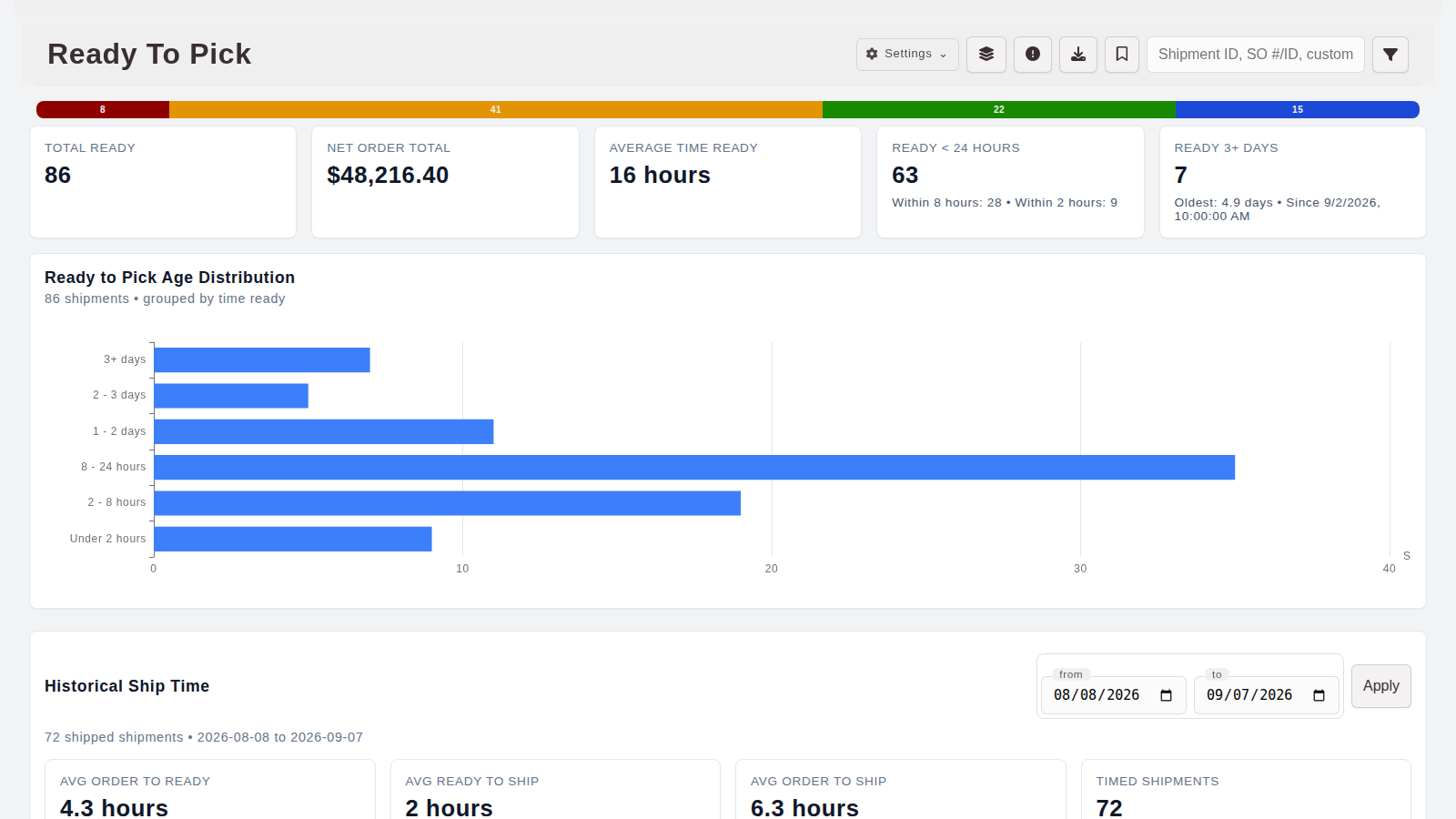
See what’s ready to pick, what’s waiting, and what has shipped.
Connect supported invoice and payment workflows to QuickBooks, with customer, item, tax, and freight mappings defined for your version and accounting setup.
WORKS WITH QUICKBOOKS DESKTOP AND ONLINE
Keep detailed warehouse work in ORCA and connect the accounting handoffs that fit your business. Available connections, sync timing, and record ownership depend on your QuickBooks version and setup.
Connect warehouse operations with supported sales order, invoice, payment, and receiving workflows. Explore recurring billing and authorized automatic payment workflows with the ORCA team.
Explore QuickBooks Desktop →Bring inventory and fulfillment work together with supported invoice, payment, purchasing, credit, and product-cost workflows in QuickBooks Online.
Explore QuickBooks Online →Not sure which version you use? Choose “Not sure” in the demo form. We’ll help identify your setup.
BUILT AROUND YOUR BUSINESS
Start with the manual process that costs your team the most attention. Connect the next workflow as your operation needs it.
Find your fit with ORCA ↗The order, warehouse work, invoice, and payment stay connected, giving your team the context to follow the whole process.
Configure customer, item, tax, freight, and payment mappings around how your business actually operates.
Work directly with the ORCA team to map the handoffs, demonstrate the workflow, and plan the connection to your QuickBooks setup.
A FEW PRACTICAL QUESTIONS
Yes. ORCA has integrations for both QuickBooks Desktop and QuickBooks Online. We’ll review your edition or plan, region, and workflow to confirm the right connections.
No. Use ORCA for inventory, warehouse execution, and order workflows while keeping QuickBooks for accounting. We’ll define which system owns each record during setup.
Yes. ORCA supports barcode scanning in picking and packing, plus scan verification against shipment items and quantities. You can configure shipping to stay blocked until all shipment items are verified.
No. Supported transactions, sync methods, and timing differ. We’ll demonstrate the paths that fit your QuickBooks version and define the mappings before implementation.
Bring the warehouse task that takes too much time or causes the most rework. We’ll walk through inventory, scanning, orders, and the QuickBooks handoff in a demo focused on your operation.
LET’S TAKE WORK OFF YOUR PLATE
Tell us where inventory, picking, or shipping gets stuck. We’ll arrange a demo focused on your warehouse and the QuickBooks version you use.