ORCA CAPABILITIES

See what your business
can bring together.

Customers, goods, production, people, and the systems behind them. Explore the work ORCA connects—and choose where to start.

Customers & ordersInventory & productionPeople & workConnected systems

Animated illustrations show example workflows, not live customer data. Explore each capability for details and implementation scope.

01 / CUSTOMERS & SALES

Keep the relationship connected to the work.

Customer context follows an orderAn illustrative customer card for Northstar Supply links to order 1048. The order advances through received, processing and shipped, while the customer card retains the linked order and matching status. Names and records are fictional. THE CUSTOMERTHE ORDER / THE PROGRESS Northstar SupplyCustomer / C-208ACCOUNT CONTACTJamie · PurchasingCUSTOMER CONTEXTOrders, contacts, and follow-upOrder #1048Received · ready for reviewProcessing · work underwayShipped · shipment recorded ORCA / ORDER #1048Northstar SupplyCustomer C-208 · JamieSupply kitQty 2Customer and order details stay linkedORDER STATUS ReceivedOrder details captured ProcessingOrder moving through operations ShippedShipment recorded on the order 01 / RECEIVED02 / PROCESSING03 / SHIPPED

ILLUSTRATIVE WORKFLOW

Customers & orders

Keep contacts, follow-ups, and order progress in context.

From dealer catalog to order detailsAn illustrative dealer portal shows three products. Two products are added to an order, the dealer selects place order, and an order received confirmation appears with an order number and item details connected to ORCA. ORCA / DEALER PORTALYOUR ACCOUNT Your product catalogProducts for your business Supply kitSKU / SK-100+ Add to order✓ Added Service packSKU / SP-200+ Add to order✓ Added Accessory setSKU / AS-300+ Add to order Your orderChoose products to get started.Supply kit1Service pack12 products · ready to submitPlace order ↗ Order received#1048Supply kit1Service pack1View order details → ✓ Connected to your business 01 / BROWSE02 / ORDER03 / FOLLOW

ILLUSTRATIVE WORKFLOW

Dealer portals

Give dealers a direct path to products, ordering, invoices, and shared documents.

02 / GOODS & PRODUCTION

Follow the flow, from incoming stock to shipped orders.

Inventory, located and countedProducts fill three warehouse shelves. A handheld scanner highlights bin A-02, records four received units, and updates the illustrated quantity from 24 to 28. WAREHOUSE / AISLE ACONNECTED INVENTORY A-01A-02A-03 BIN A-02 / ON HAND24units28unitsReady to receive✓ +4 received · count updated LOCATED.UPDATED. 01 / STOCK02 / SCAN03 / UPDATE

ILLUSTRATIVE WORKFLOW

Inventory & warehouse

Track what you have, where it belongs, and how it moves.

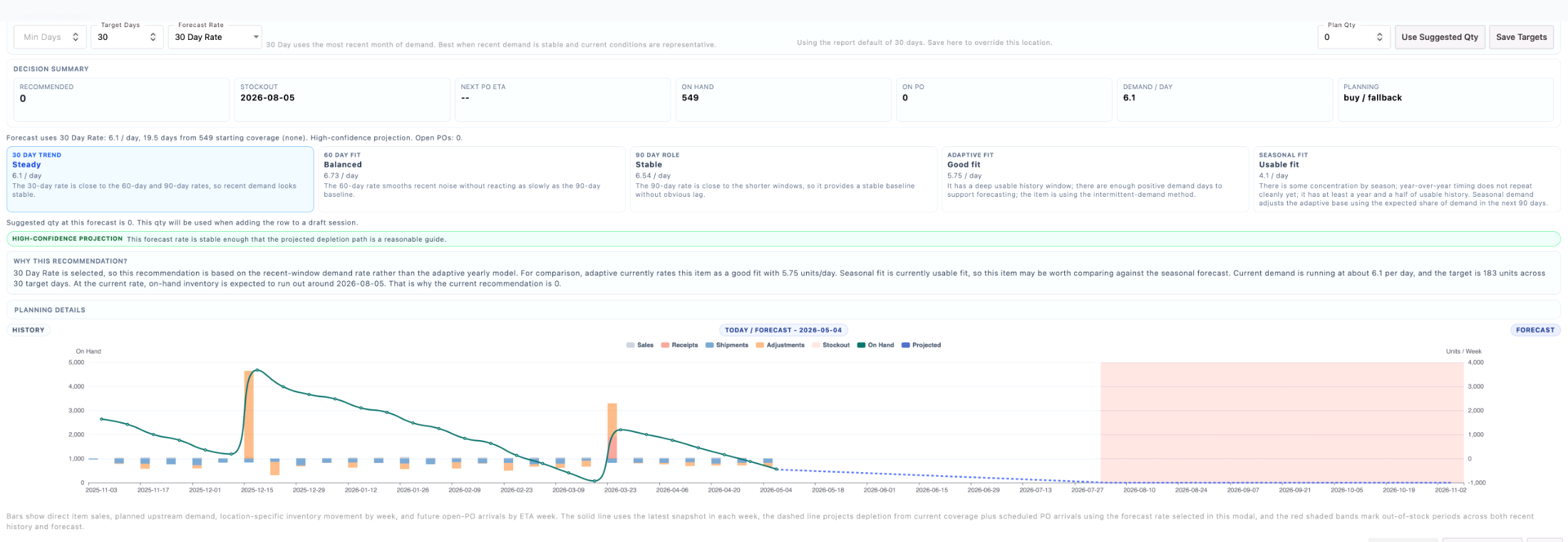
From low stock to a replenished shelfAn illustrative item has two units on hand against a target of ten. A buyer reviews an eight-unit purchase order. Eight incoming units are received, the shelf fills, and on-hand stock updates to ten. Purchase review is shown before receiving; purchases are not placed automatically. STOCK / SUPPLY KITPURCHASING / INCOMING GOODS ON HAND210unitsTARGET10 Stock gap / 8 units✓ Replenished / 10 units on hand Purchase order / PO-208Supply kit · Example supplierON HANDTARGETTO BUY2108 Review quantity and supplierReview purchase order ↗ Purchase order placed8 units incoming Receipt recorded✓ 8 units received into stock +8 01 / IDENTIFY02 / PURCHASE03 / RECEIVE

ILLUSTRATIVE WORKFLOW

Purchasing & replenishment

Connect stock needs, suppliers, purchase orders, and incoming goods.

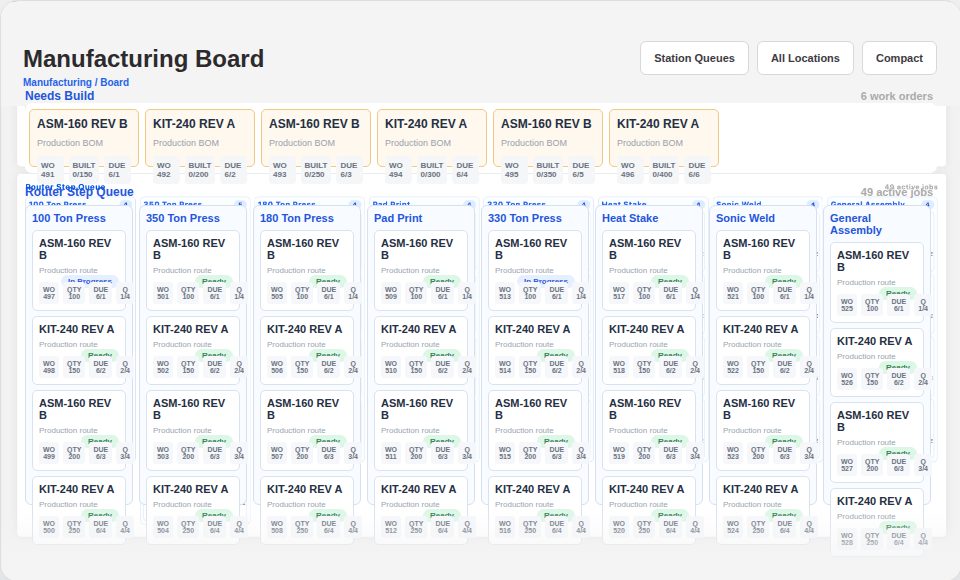
From components to a completed assemblyAn illustrative work order follows components through preparation, assembly, and completion. A housing and cover come together, then the completed unit moves to finished goods as the work order reaches three of three steps. ORCA / WORK ORDER 2048Equipment assembly1 / 3 STEPSComponents ready2 / 3 STEPSAssembly in progress3 / 3 STEPS✓ Complete · moved to finished goods 01 / PREPARE02 / ASSEMBLE03 / COMPLETE

ILLUSTRATIVE WORKFLOW

Manufacturing & assembly

Follow components, work orders, and station progress through production.

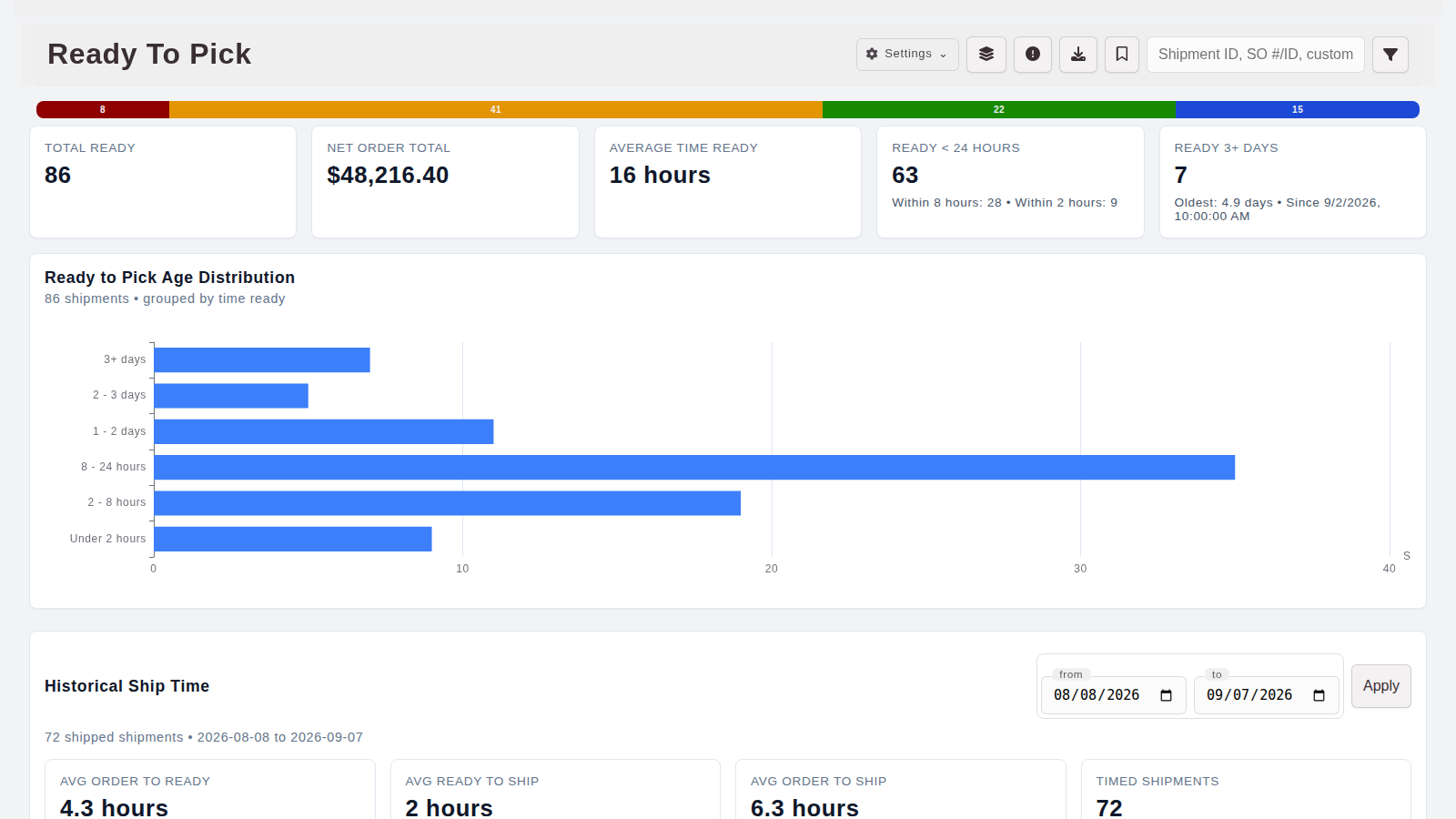
From packing station to shipmentAn illustrative carton arrives on a conveyor, a thermal printer feeds out a shipping label, the label is attached, and the carton moves out ready to ship. ORCA / FULFILLMENTORDER #1048 ORCA / SHIP1048 · READY TO GO 01 / PICKED02 / PACK & LABEL03 / SHIPPED

ILLUSTRATIVE WORKFLOW

Shipping & fulfillment

Move orders through picking, packing requirements, labels, and shipment details.

03 / PEOPLE & EQUIPMENT

Connect the hours, the equipment, and the job.

Two ways to clock in, one connected timesheetAn illustrative employee uses a shared kiosk. Another employee enters a configured geofence and selects clock in on the app. The two clock-ins become separate timesheet entries connected to assembly and maintenance work. Entering the geofence does not automatically clock the employee in. AT THE KIOSKIN THE APPCONNECTED TO THE WORK ORCA / TIME CLOCKAlex · AssemblyClock in✓ Clocked in · 08:00 ORCASamMaintenance✓ Inside work areaClock in✓ 08:05 ORCA / TIMESHEETPERSON / WORKCLOCK-IN AlexAssembly · Kiosk08:00 SamMaintenance · App08:05 ✓ Time connected to work 01 / CLOCK IN02 / RECORD03 / CONNECT

STANDALONE OPTION

Time & Workforce

Kiosk and app clock-ins, timesheets, and hours connected to work. Available as a standalone starting point; options depend on setup.

A maintenance reminder becomes service historyAn illustrative air compressor has a filter inspection due. A service record documents a filter replacement, then the new event appears above an older inspection in the equipment history. EQUIPMENT / AC-07A RECORD THAT STAYS WITH THE ASSET Air compressorWorkshop / AC-07 AC-07 Filter inspection due ✓ Service recorded Record maintenanceAir compressor · AC-07SERVICEFilter inspectionSERVICE NOTESFilter replaced. Housing cleaned.Recorded by AlexSave service record Equipment historyAir compressor · AC-07TODAY / SERVICE RECORDEDFilter inspectionFilter replaced. Housing cleaned.Alex · Maintenance recordPrevious inspectionPressure gauge checked.Equipment history retained 01 / REMIND02 / SERVICE03 / RECORD

SCOPE WITH YOUR IMPLEMENTATION

Assets & maintenance

Keep equipment records and service history close to the work. Scope maintenance workflows for your operation.

A service visit from schedule to asset historyAn illustrative implementation concept: jobs appear on a schedule, a technician records thirty minutes on a pump inspection, and a service note is added to the pump's history. This workflow is a tailored implementation target, not a live product screen. THE JOB PLANON SITETHE ASSET HISTORY Today's workService team / planned visits09:0011:0014:00 Pump inspectionNorth site · Alex Lighting repairMain building · Sam Follow-up visitWest site · Alex ORCA / JOBPump inspectionNorth site · P-104Alex / recorded time00:0000:30Record time✓ Time recorded Pump P-104North site / EquipmentSERVICE HISTORY Inspection recordedSeal inspected. No leak found.Alex · 30 min · Pump inspection✓ Saved to asset history One visit. Connected time and service history. 01 / PLAN02 / RECORD03 / MAINTAIN

TAILORED IMPLEMENTATION

Field service & jobs

Shape scheduling, priorities, technician time, and site workflows around your team. Dedicated workflows are scoped as a tailored implementation.

04 / CONNECTED SYSTEMS

Keep information moving between teams.

An operational invoice connects to accountingAn illustrative ORCA invoice for two supply kits at 120 dollars each is queued for sync. Its reference, line item and 240 dollar total flow to a connected accounting invoice. The handoff status changes from queued to syncing to synced. This is an example of a configured integration, not a live transaction. OPERATIONAL TRANSACTIONCONNECTED ACCOUNTING ORCA / INVOICEINV-1048Order #1048 · Supply accountSupply kit2 × $120.00$240.00INVOICE TOTAL$240.00Ready for accounting Configured integrationQUEUEDSYNCING✓ SYNCED ACCOUNTING / INVOICEWaiting for transaction…INV-1048Source / ORCASupply kit2 × $120.00$240.00INVOICE TOTAL$240.00✓ Connected record created Same reference. Same items. Same total. 01 / TRANSACT02 / CONNECT03 / CONFIRM

ILLUSTRATIVE WORKFLOW

Accounting connections

Connect operational transactions to accounting records, with integrations and system ownership defined for your setup.

BUILT AROUND YOUR BUSINESS

Need something beyond the feature list?

Existing ORCA capabilities are a starting point. We can scope configuration, custom workflows, integrations, or an entirely standalone solution around the way your business works.

01 / TAILOR ORCA02 / EXTEND THE PLATFORM03 / BUILD STANDALONE SOFTWAREExplore custom software solutions ↗

START WITH THE PROBLEM

What would you like to make easier?

Explore how ORCA can help with a specific business challenge.

Explore solutions ↗